Screenshots#
This page is a screenshot capture checklist for the Analysis section.
It exists so you (or a collaborator) can capture screenshots once, systematically, without hunting through every analysis mode page.
How placeholders work#
All pages in this section currently use:
cellucid-python/docs/_static/screenshots/placeholder-screenshot.svg
Each placeholder is preceded by an HTML comment with:
what state to capture,
what to crop/redact,
suggested caption/alt text,
suggested filename conventions.
General guidance lives in:
cellucid/markdown/DOCUMENTATION_SCREENSHOTS_AND_FIGURES_GUIDE.md
Recommended storage location for this section:
cellucid-python/docs/_static/screenshots/analysis/
Recommended screenshot set (analysis)#
Analysis panel overview (orientation) (1 screenshot)#
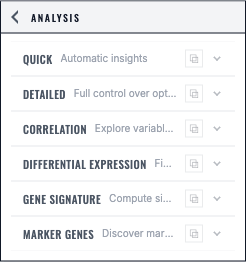
Capture the “entry point” where users choose an analysis mode and run it.
Page:
h_analysis/index(ID:analysis-panel-overview)
Analysis UI overview (2 screenshots)#
Where analysis lives in the UI (panel open; mode selector visible)
“Copy analysis” / floating window behavior (if available)
Page:
h_analysis/02_analysis_ui_overview(IDs:analysis-ui-overview-panel,analysis-ui-copy-window)
One success-state screenshot per analysis mode (6 screenshots)#
Capture a clear “worked” state for each mode.
Pages:
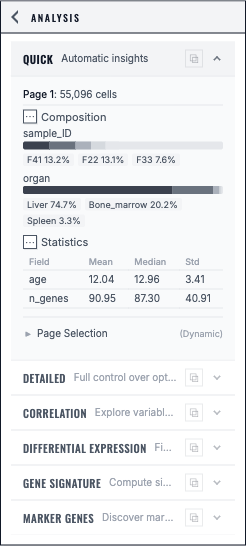
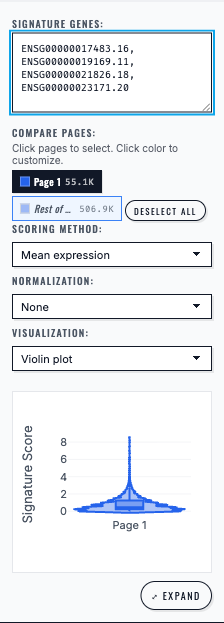
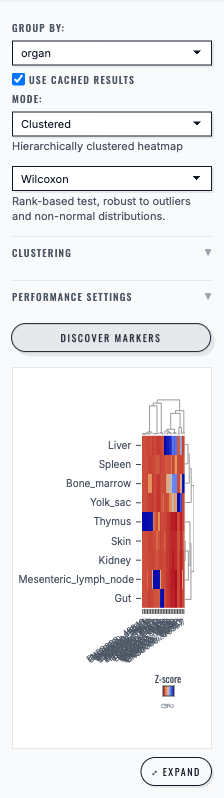
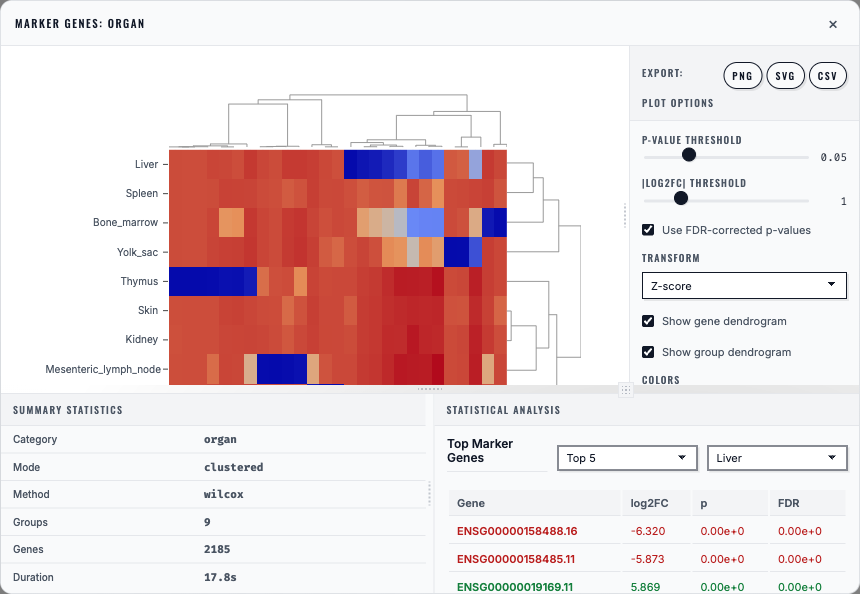
h_analysis/03_analysis_mode_quick_insights(ID:analysis-quick-insights-success) — Quickh_analysis/04_analysis_mode_detailed_analysis(ID:analysis-detailed-analysis-success)h_analysis/05_analysis_mode_correlation_analysis(ID:analysis-correlation-success)h_analysis/06_analysis_mode_differential_expression_de(ID:analysis-de-success)h_analysis/07_analysis_mode_gene_signature(ID:analysis-gene-signature-success)h_analysis/08_analysis_mode_genes_panel(ID:analysis-genes-panel-success) — Marker Genes (Genes Panel)
Exporting results (2 screenshots)#
Export/download controls for analysis outputs (tables and/or plots)
One example of an exported artifact opened outside the app (CSV, PNG, SVG)
Page:
h_analysis/09_exporting_analysis_results(IDs:analysis-export-controls,analysis-export-artifact-example)
Highly recommended “failure mode” screenshots (debugging gold)#
These save huge amounts of time in onboarding and support:
Missing gene expression (DE/signature modes empty/disabled)
Page:h_analysis/10_troubleshooting_analysis(ID:analysis-missing-expression)No defined groups (nothing selected / no highlight groups) and the UI’s recovery affordance
Page:h_analysis/10_troubleshooting_analysis(ID:analysis-no-groups-defined)“All cells filtered out” leading to empty analysis outputs (if applicable)
Page:h_analysis/10_troubleshooting_analysis(ID:analysis-all-cells-filtered-out)DE is extremely slow (if there is an on-screen progress indicator or warning)
Page:h_analysis/10_troubleshooting_analysis(ID:analysis-de-slow-warning)
If the “failure mode” is best explained with a figure export warning dialog, capture it in the export section: