Screenshots#
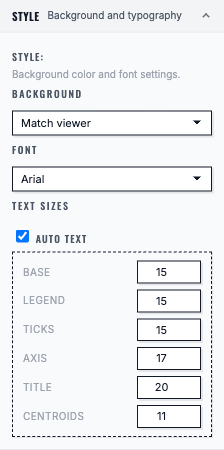
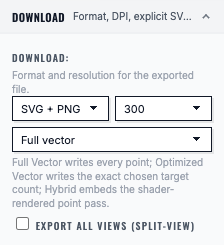
This page is a screenshot capture checklist for the Figure Export section.
It exists so you (or a collaborator) can capture screenshots once, systematically, without hunting through every export page.
How placeholders work#
All pages in this section currently use:
cellucid-python/docs/_static/screenshots/placeholder-screenshot.svg
Each placeholder is preceded by an HTML comment with:
what state to capture,
what to crop/redact,
suggested caption/alt text,
and suggested filename conventions.
General guidance lives in:
cellucid/markdown/DOCUMENTATION_SCREENSHOTS_AND_FIGURES_GUIDE.md
Recommended storage location for this section:
cellucid-python/docs/_static/screenshots/figure_export/
Recommended screenshot set (figure export)#
Entry point / orientation (1 screenshot)#
Page:
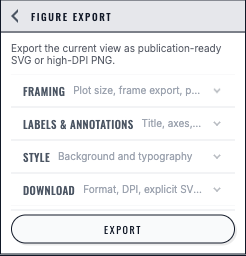
k_figure_export/index(ID:figure-export-panel-overview)
UI walkthrough (3 screenshots)#
Pages:
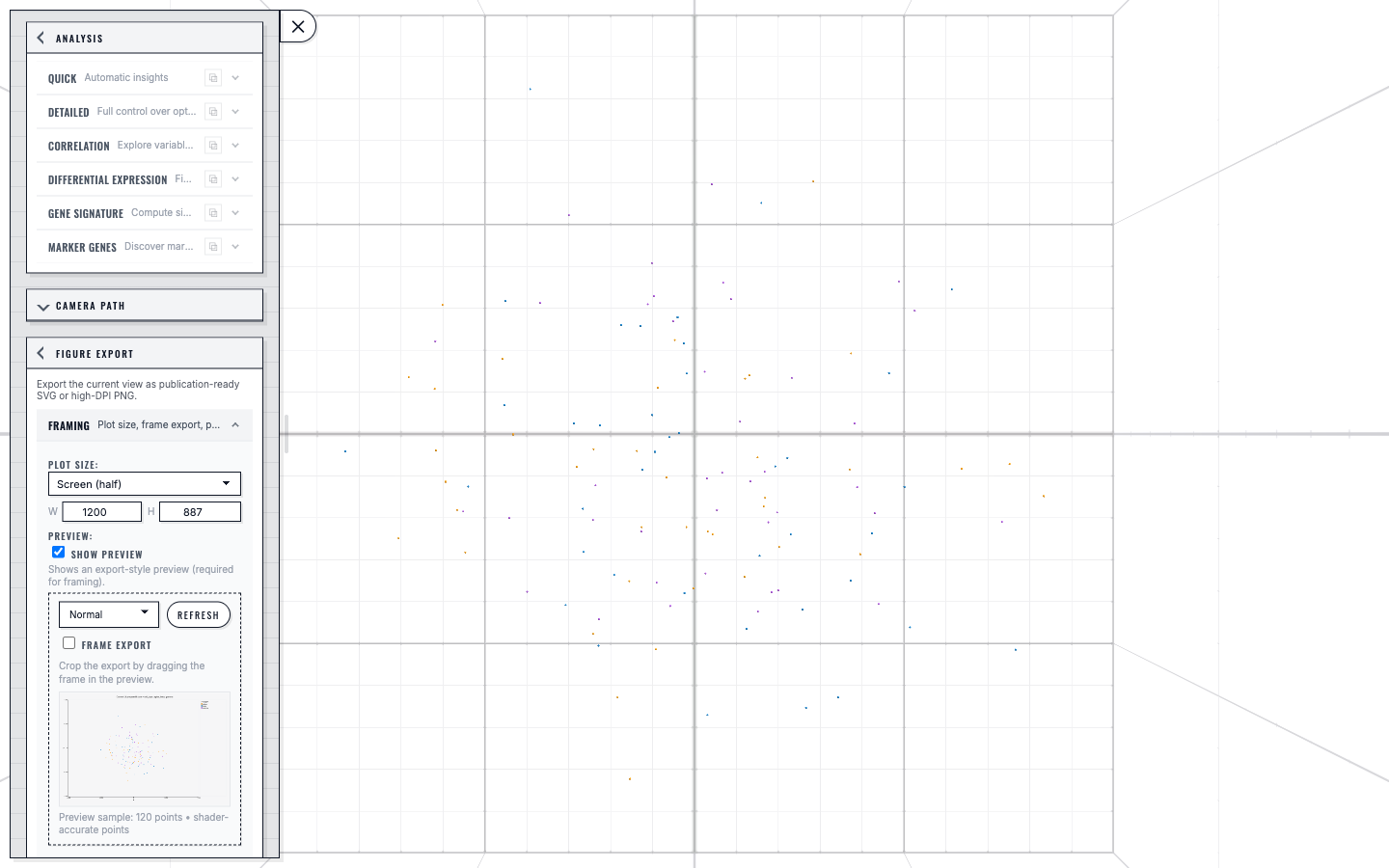
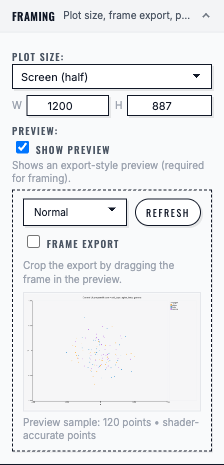
k_figure_export/02_export_ui_walkthrough(IDs:figure-export-preview-vs-export-controls,figure-export-framing-overlay,figure-export-exported-artifact-example)
Format/mode selection (1 screenshot)#
Page:
k_figure_export/03_export_formats_and_renderers(ID:figure-export-format-mode-selection)
Quality knobs + warnings (2 screenshots)#
Pages:
k_figure_export/04_quality_knobs_and_best_practices(IDs:figure-export-quality-knobs,figure-export-large-export-warning)
Metadata/provenance (1 screenshot)#
Page:
k_figure_export/05_metadata_and_provenance(ID:figure-export-metadata-example)
Edge cases (1 screenshot)#
Page:
k_figure_export/06_edge_cases(ID:figure-export-zero-visible-points)
Troubleshooting (1 screenshot)#
Page:
k_figure_export/07_troubleshooting_figure_export(ID:figure-export-common-failure-dialog)
Optional “high value” extras (recommended later)#
These screenshots are disproportionately helpful for onboarding and support:
Large dataset strategy dialog (“Large Dataset Export”) showing the Full/Optimized/Hybrid/Raster choices.
Export fidelity warnings dialog showing at least one real warning (e.g., forced Hybrid for 3D, WebGL2 missing, connectivity not exported).
Huge legend overflow example (and the “fix”: legend bottom, disable legend, or reduce categories).
Illustrator/Inkscape pain point example:
“SVG crashes Illustrator” (full vector),
“Hybrid SVG opens fine” (the fix),
optionally, show the same SVG opened in a browser as a sanity check.